











How to Design and Print Your Custom Name Labels
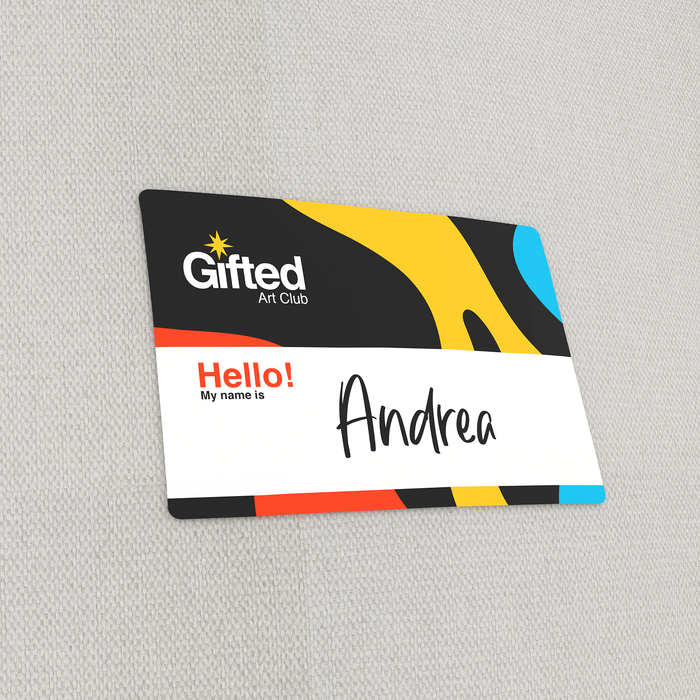
Make your name easy to read up close or from a distance. Follow these easy steps to get started.
- Use our online design tool. After inputting your name label’s specs, select “Create Your Design Online” at the bottom of the calculator. You’ll be taken to a blank canvas where you can add images, edit text, and combine colors.
- Upload your print–ready file. Select “Upload Your File and Order Now.” Your file should follow these guidelines to qualify for printing:
- File is in CMYK color mode.
- Save as any of the recommended formats: JPG, TIF, EPS, AI, PUB, and PNG.
- Ensure your design stays within the bleed, safe zone, and trimline.
- Check out this article for more information on preparing a print-ready name label.
- Download any of the print templates available. Head over to the “Templates” tab and download any of the available formats. All files include the proper bleeds and margins to ensure an accurate print job.



















Reviews
There are no reviews yet.