









How to Create Effective Custom Fridge Magnets
While being visible can increase brand recall, the content and colors on your refrigerator magnet will help guide the results. Make sure you consider the following elements before creating your magnet:
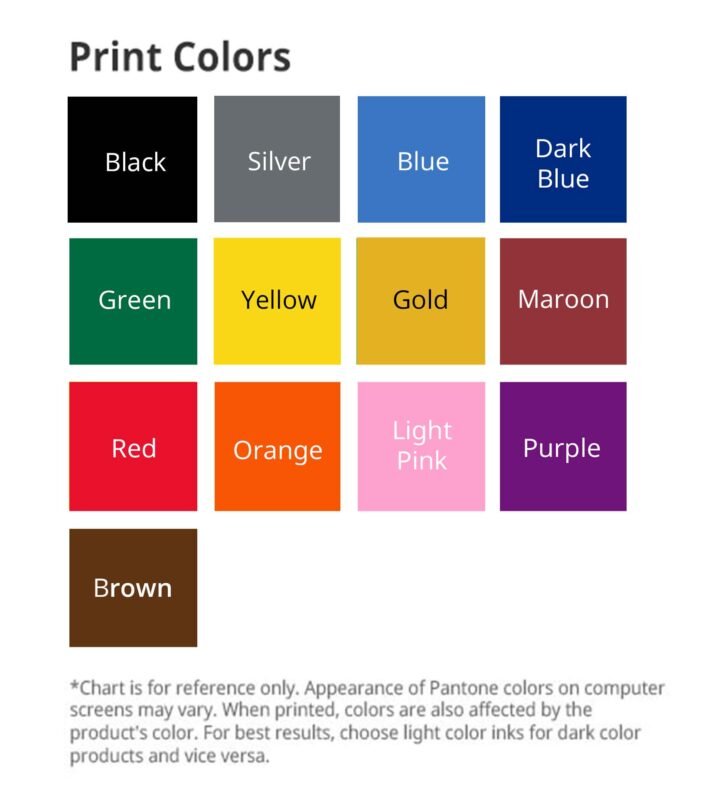
- A complementary color combination that adheres to your brand’s stylebook. Use colors that are within the company’s color palette, yet don’t be limited to just one hue. Find a balance between being consistent with your branding and seeing what other colors can complement your brand’s staples. For instance, a navy blue works well with white.
- Call to action that your customers can follow. What course of action will customers take after seeing your advertising magnets? Will they call your delivery line? Visit your website? Drop by your retail store? Make sure this action is clear and all details are visible.
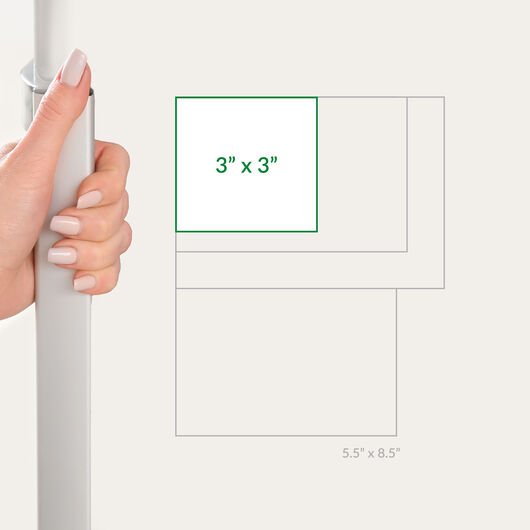
- A size that is visible and fits all the necessary elements. If your message is short and simple, print in smaller dimensions like 1.75” x 3.5” or 2” x 2”. More visual custom magnets can be created on medium sizes like 3.5” x 3.5” and 4” x 6”. The largest sizes are at 4” x 8”, 5” x 7”, and 5.5” x 8.5”.
How to Design Refrigerator Magnets
- Choose the right specs for your design. Size matters, so it can’t be too big or too small. If you need a specific width and height, select “Custom Size” on the online calculator and combine from a wide range of widths and heights.
- Use our online design tool for faster, real-time creation. Don’t have editing programs like Adobe Photoshop or Microsoft Publisher on your device? Use our online design tool to create your custom fridge magnet from scratch. After selecting “Design Online” at the bottom of the calculator, you’ll be taken to a blank space in your chosen size.
- Upload your design for a faster transaction. Have a print–ready file in PDF, PSD, JPEG, PUB, or INDD format? Upload it after inputting your specs for a faster printing turnaround. We can print the file in four (4) business days. You can also preview the PDF before it goes to production. On the File Upload page, select “Wait – I want to receive and approve a free PDF proof” after sending the file for print.


















Reviews
There are no reviews yet.