











How to Print Your Personalized Wine Labels
Upload your file to our online calculator.
Have a print-ready file set to your desired size and shape? You can upload a file in PDF, JPG, PNG, AI, or PUB format. Files can be transferred from your computer, Dropbox or One Drive. The maximum file size upload is at 200 MB. On the same “File Upload” page, select “Wait – I want to receive and approve a free PDF proof” to review your PDF proof before it’s printed. Note that printing only begins once you approve the PDF from your uploaded file.
Create a design online, straight from your browser.
Our easy-to-use design tool lets you build a custom wine label design on your browser. The blank canvas is set in the size you choose on the online calculator. You can upload images, add text and shapes, and adjust colors on the tool.
Download a layout template and customize it from your preferred editing program.
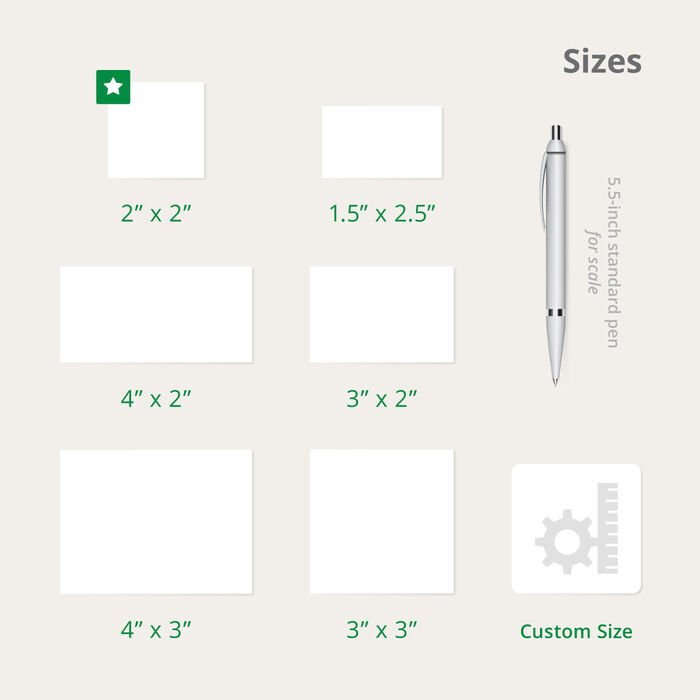
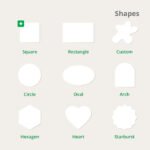
The Templates tab lets you download any of the available sizes in AI, JPEG, PDF, PS, and PUB formats. Sizes are listed according to orientation and shape for easy selection.
















Reviews
There are no reviews yet.