





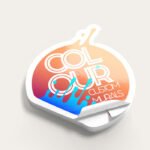
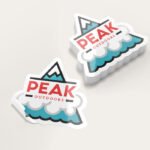
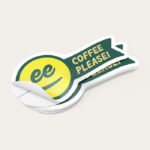
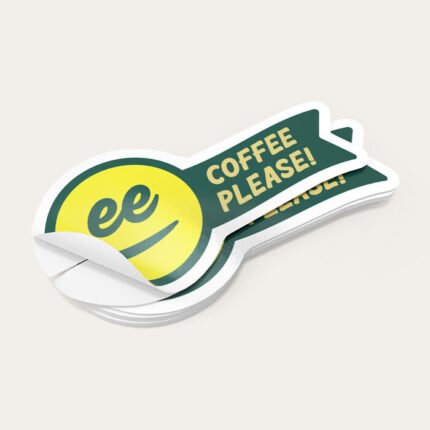

Showcase Your Business Name and Logo With Die-Cut Stickers
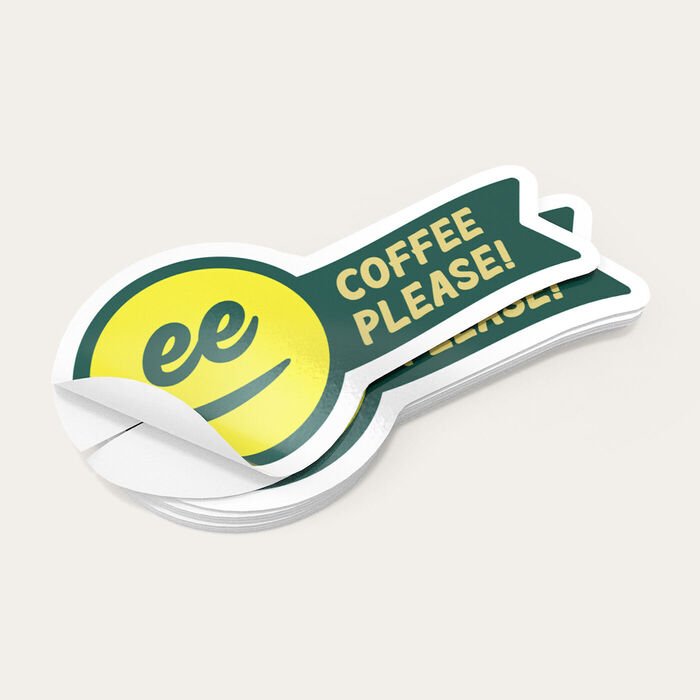
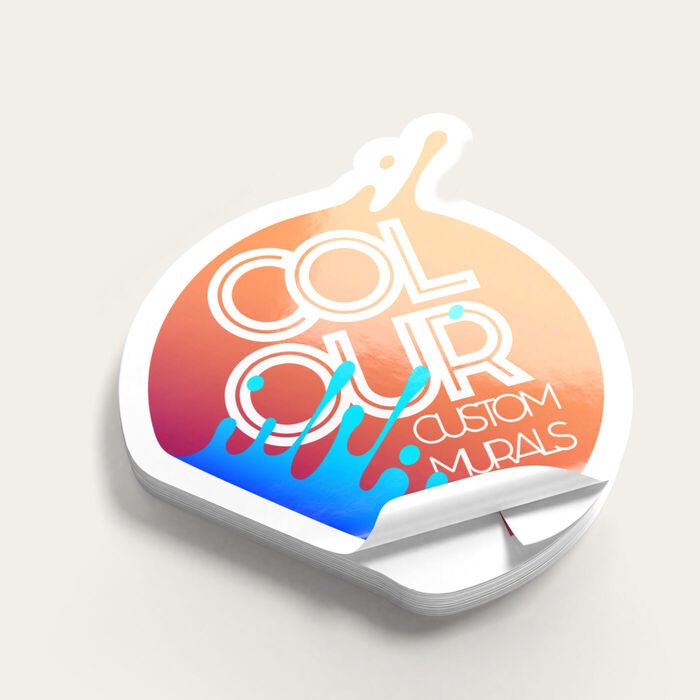
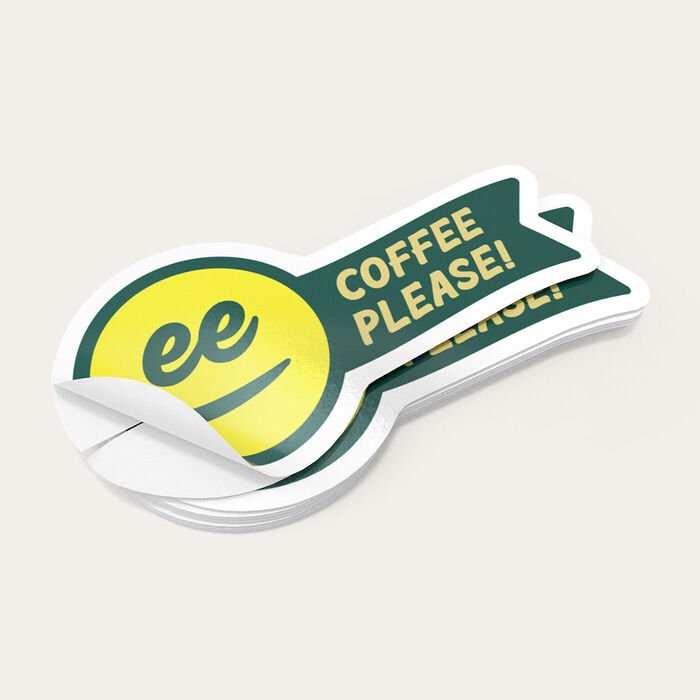
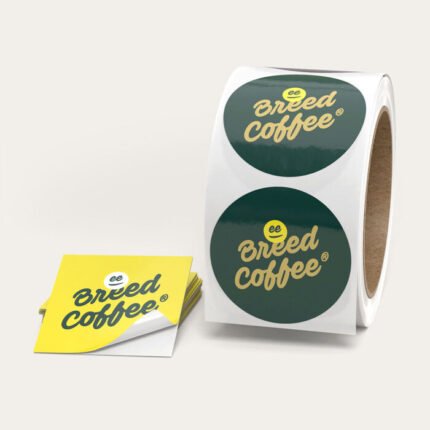
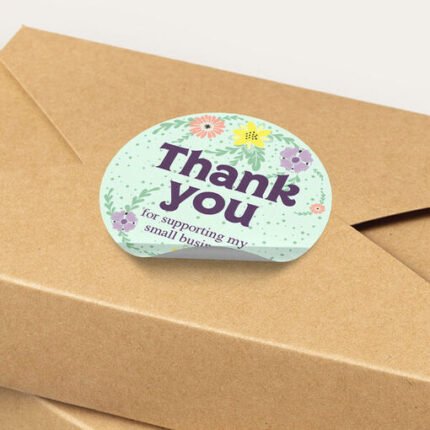
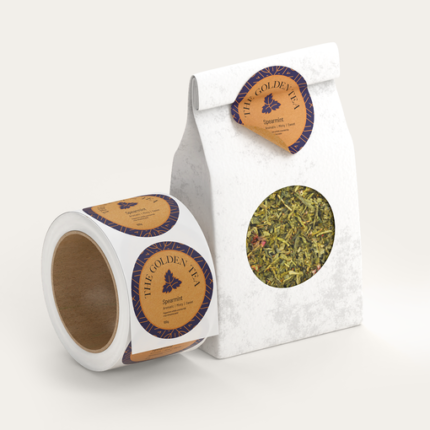
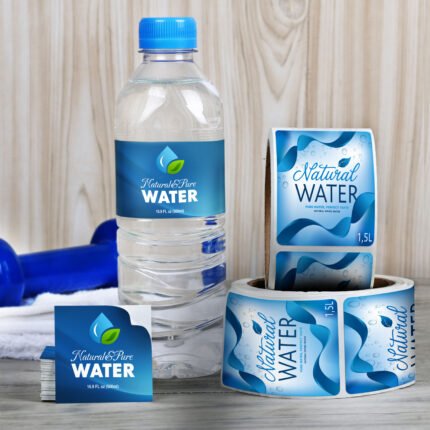
Print custom die-cut stickers that spell out your company name or show off your logo. Apply them easily with a label dispenser on delivered packages, shopping bags, and other items from your establishment. The sticker will help customers associate their experience with your brand over time. Print in any of the four standard shapes or customize a design to match your exact logo. Indoor and outdoor materials are available, depending on where you’ll place the sticker. Choose from waterproof vinyl, BOPP, or white premium sticker paper for in-store items.
Die-cut sticker printing is done in vibrant full color with manual proofing to ensure high-quality prints that will match your design specifications. Print in singles (formerly known as cut-to-size) for hand application or in rolls you can apply with a label dispenser. We guarantee our line-cutting services trim your stickers with no cutting errors
How to Print Custom Die Cut Stickers
- Pick between singles or roll sticker. Singles are recommended for small quantities under 250 for application by hand, while the roll fits in most label dispensers for faster placement.
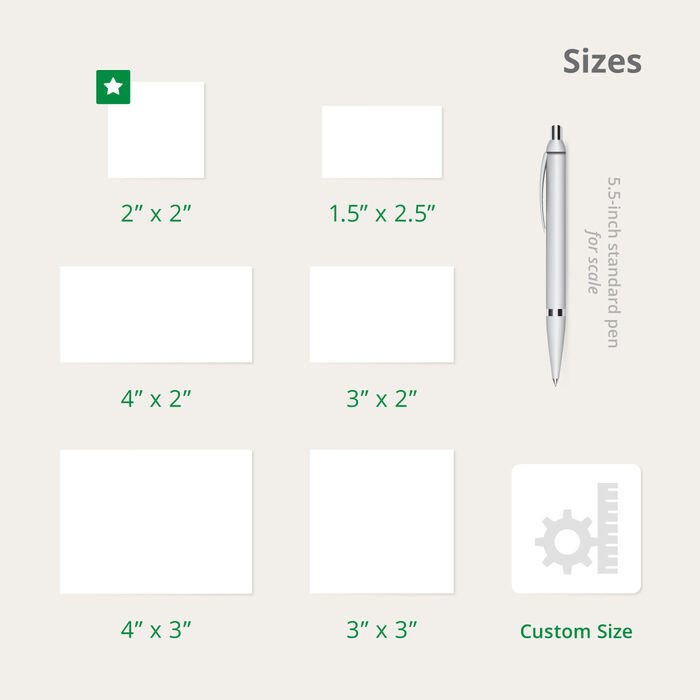
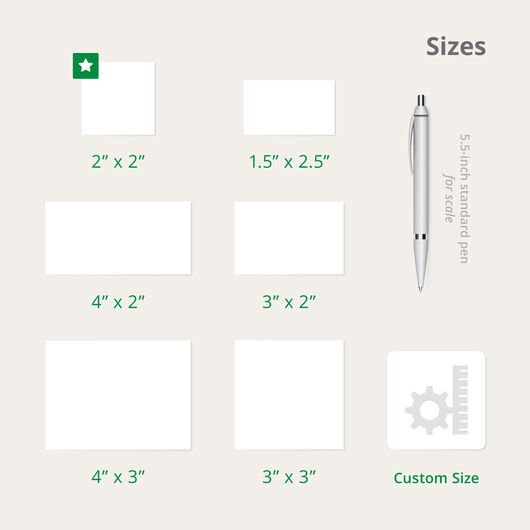
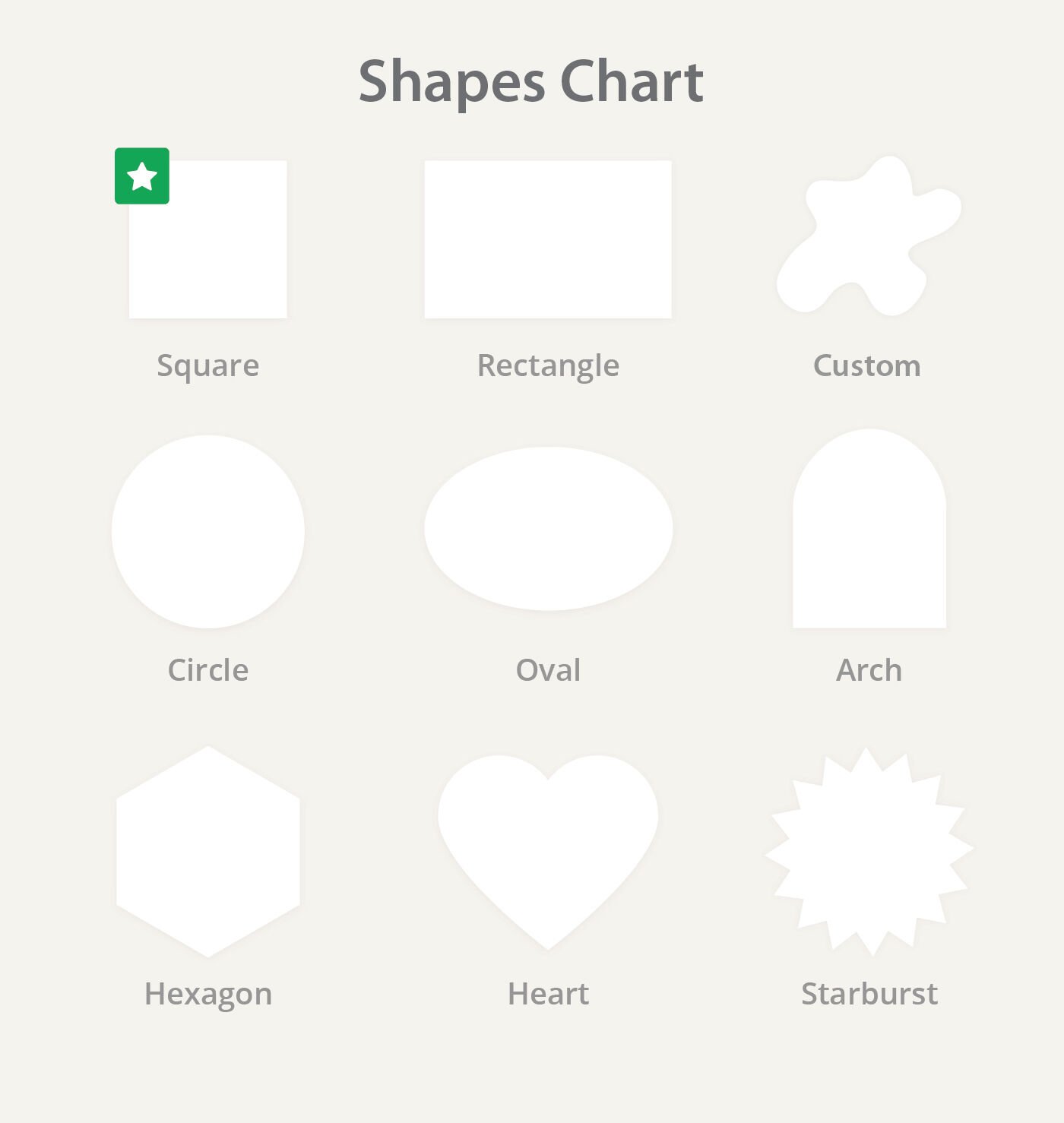
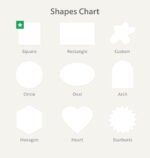
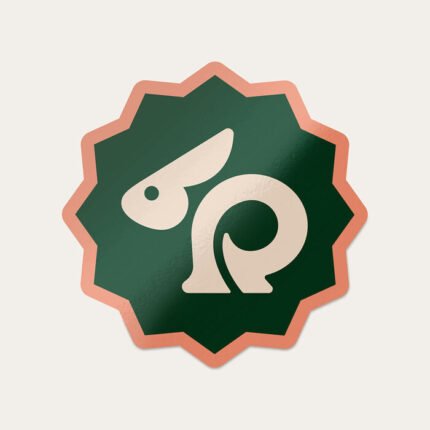
- Select from any of the four standard shapes available or choose Custom if you have exact dimensions and an exact shape in mind. Singles format offers other shapes such as arch, hexagon, heart, and starburst.
- Check for the best material type based on the classifications available:
- White Premium Sticker Paper suits stickers that will be stored indoors and away from elements like water and oil.
- BOPP (plastic/film) materials come in protective polypropylene plastic that keeps your design good as new when refrigerated and exposed to moisture. Choose from white, clear, silver metallic or rainbow holographic backgrounds for your design.
- Textured options come in white or cream. These are normally used on wine bottles, so they’re perfect for rustic or luxurious designs.
- Add a protective lamination in elegant matte, shiny gloss, or extra vibrant high gloss. · Matte gives an elegant and luxurious touch that the least glare. It’s perfect for die-cut stickers that require a muted touch to neutral or light colors. · Gloss gives a vibrant shine and brightens up the images and colors on your sticker. · High gloss provides the ultimate shine and makes colors pop even from afar.
- Indicate your unwind direction if you will be using a label dispenser or machine to apply the die-cut sticker. This ensures that the sticker unwinds based on the copy’s direction when applied on a surface.
- Select a quantity that fits your budget. Larger quantities cost less per sticker.
- Indicate your preferred printing time. Note that the printing period only includes production and does not cover the transit time during shipping.
Upload your design or use our intuitive online tool to create one from scratch. If you prefer to upload it later, you can download a template from the Layout Templates tab and then proceed to Buy Now & Upload Later at the bottom of the calculator.
Choosing the Best Shapes for Your Die-Cut Design
Where will the sticker be applied?
Will your sticker be used as a product or packaging label? If it has a specific surface application, you need to measure the display area’s dimensions. Make sure that the size you choose isn’t too big or too small for the said area.
What do I want to feature on the custom die-cut sticker?
Will the sticker be designed in typography or will it focus on your logo? You need a larger size and shape to feature both. Consider the width and height of the entire design to see which shape best fits your design. Square works for smaller, minimalist designs. Rectangle provides the width you need for longer text, while circle or oval is in the shape for logos of this form.
Will the die cut sticker have a colored background?
Does the sticker need to contrast the area it’s applied to? A square or rectangle shape will stand out if your design has a colored background. A circle or oval can easily complement the printed typography or logo.
What if I need a shape that is not included in the standard options available?Select Custom as your shape and you can combine selected widths and heights to match your preferred measurements. You can upload a design or create one based on your indicated specifications.

















Reviews
There are no reviews yet.